With Sage Detect
No Fall Goes Undetected
Sage Detect alerts staff the instant a fall happens.
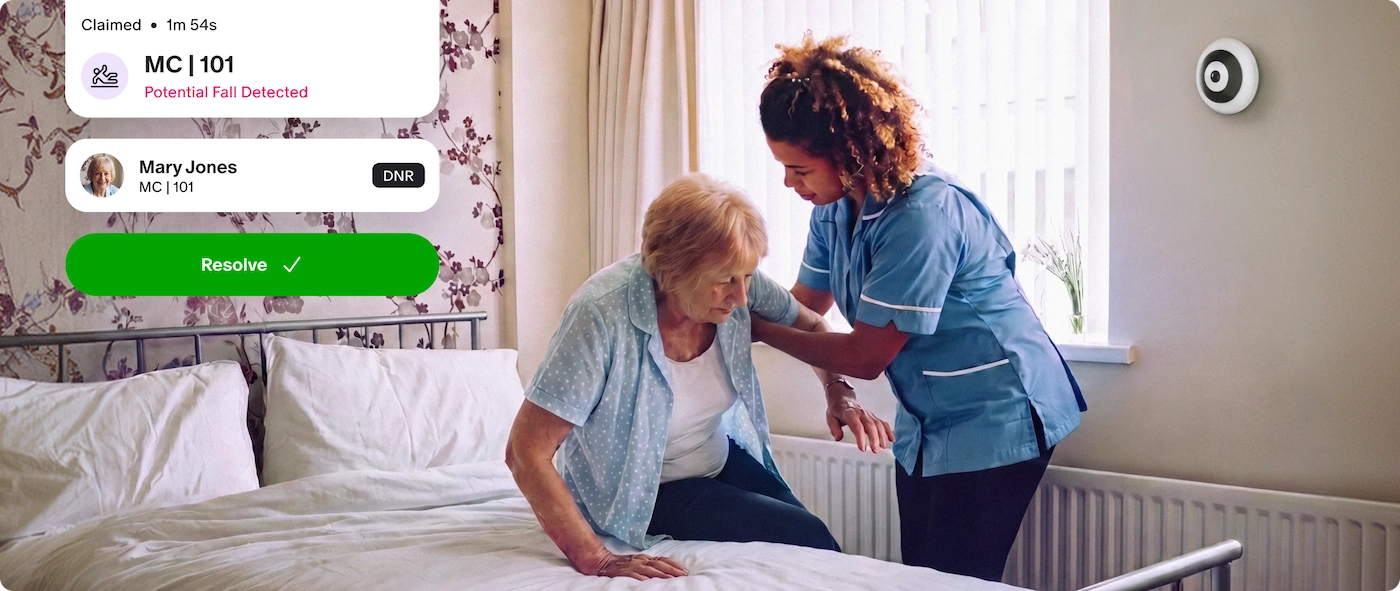
Sage Detect alerts staff the instant a fall happens.

Sage Detect makes sure caregivers are alerted right when a fall happens, and are prompted to take immediate action

Short video clips are only surfaced after a clinical event and reviewed by authorized care staff to identify cause and help prevent future incidents

Care staff can't be in every room at all times. Sage Detect adds an extra layer of support to ensure safety for you or your loved one.
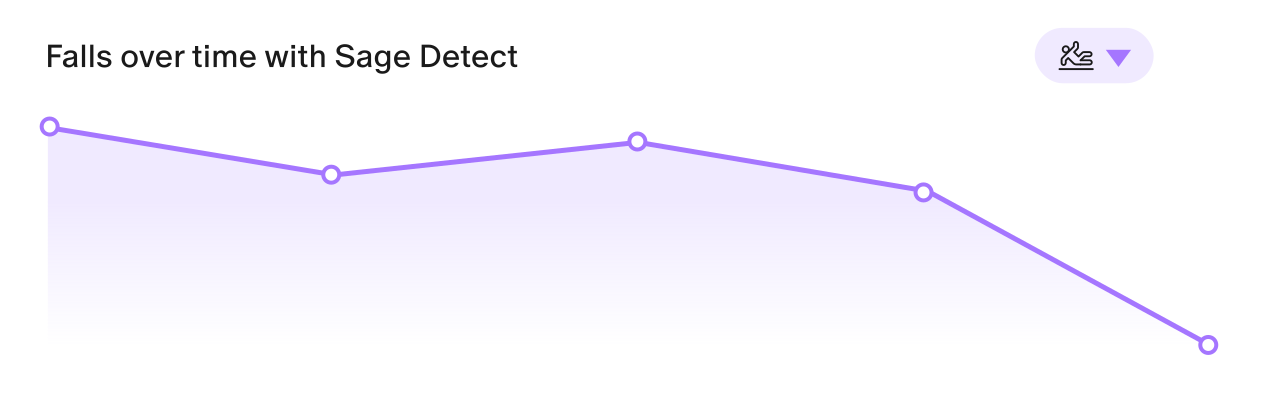
1
A small camera is placed in a resident’s room
2
If a fall is detected, care staff are alerted immediately to help
3
Authorized care staff can review short fall videos to understand why a fall happened and learn how to prevent them in the future
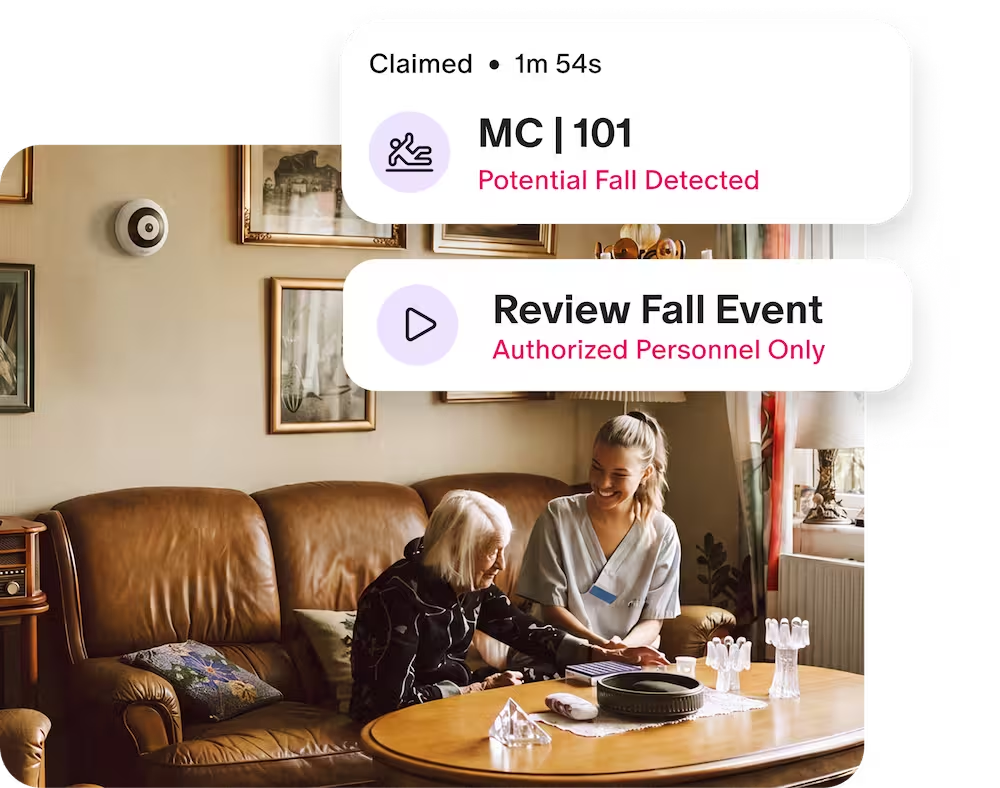
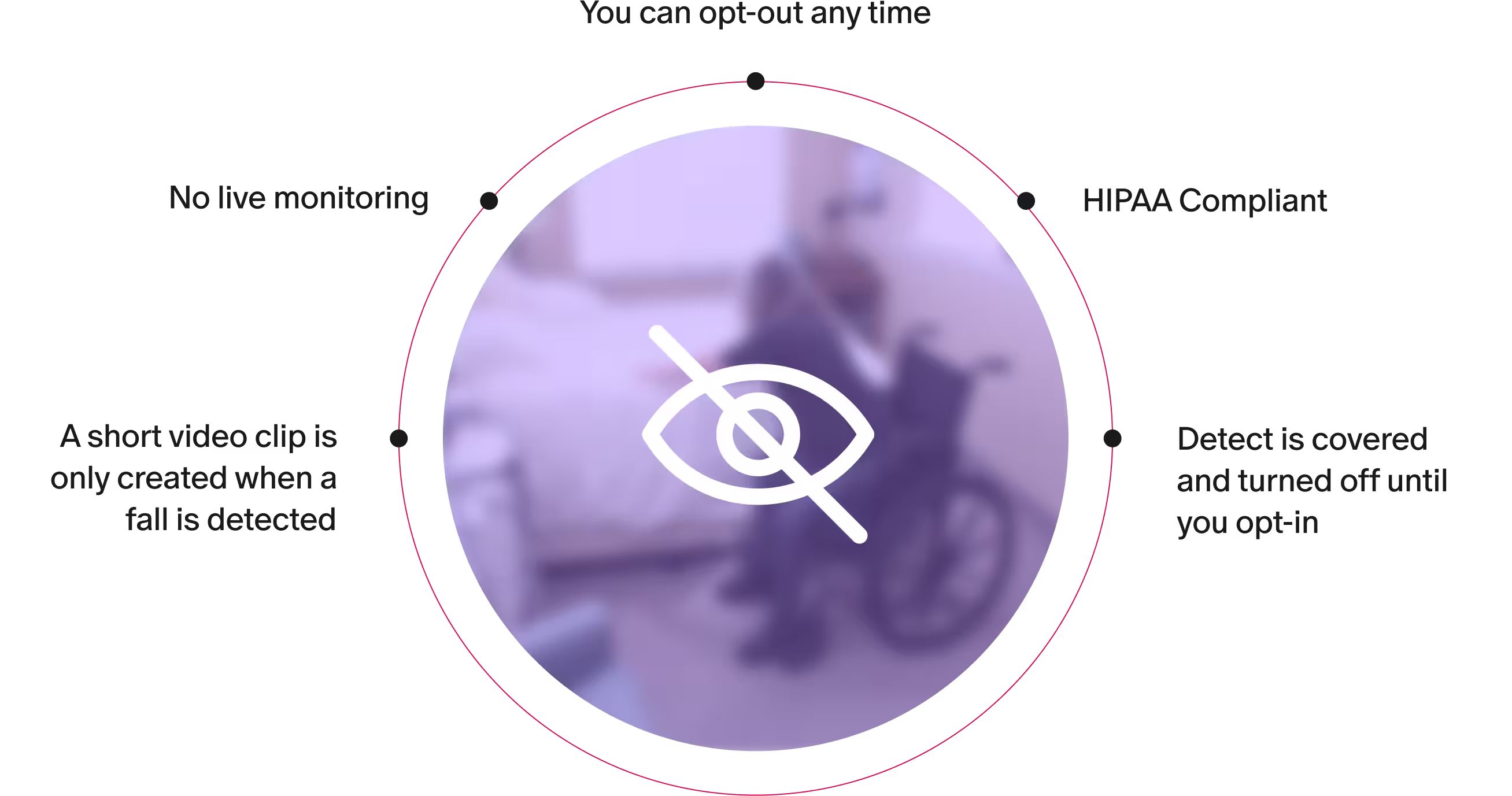
No. The camera runs continuously but nothing is viewed unless a fall is detected. Only then is a short, blurred clip created and no one except the authorized clinical team can ever see it.
The camera runs continuously, but no human is watching. Instead an AI system automatically checks for a person on the floor. The moment it recognizes a fall, the care team is notified within 45 seconds so they can be on their way to your loved one.
An alarm goes to the care team's phones immediately and does not stop until someone is physically with your loved one. The alarm escalates to the management team until someone arrives.
No. The way they currently call for help stays exactly the same. Sage Detect is an additional layer that works independently. If a fall happens before they can reach for help, the care team is alerted automatically.
No, check-ins and care routines stay exactly the same.
Yes. It's placed in every room but covered and inactive until consent is received. If you don't opt in, it stays covered and will never be activated.
Cameras will never be installed in bathrooms for their privacy. Many falls happen when getting out of bed or on the way to the bathroom, which is why the camera is placed in the bedroom. If they fall outside the bedroom, their call button and the care team's regular check-ins remain in place.
Sage Detect enables the clinical team to see exactly what happened. Your access to the clip depends on your community’s protocol, which they will walk you through.
Sage Detect can be deactivated at any time. Just let your care team know and they'll take care of it promptly.